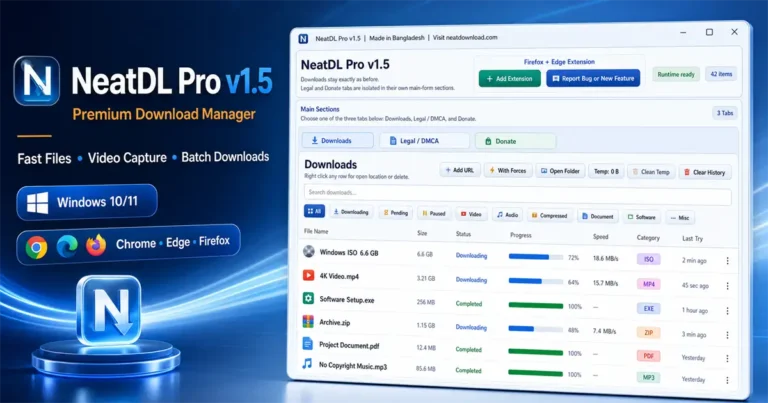
NeatDL Pro v1.5 Free Download – Fast Download Manager for Windows & Mac

Previews
Overview of NeatDL Pro v1.5 Free Download – Fast Download Manager for Windows & Mac
If you need a fast download manager that actually performs, NeatDL Pro v1.5 is a solid choice. It skips the bloated interfaces found in common tools and focuses purely on high-speed data transfers for Windows and Mac environments.
This tool is built for people who are tired of broken downloads and slow transfer rates. By utilizing segmented download acceleration, it splits files into eight parallel parts to saturate your bandwidth, making it ideal for large archives or high-resolution media files.
HWID Key Generator
Paste the HWID from your desktop software, generate a secure ticket, then click Get Key.
Professional Workflow and Media Handling
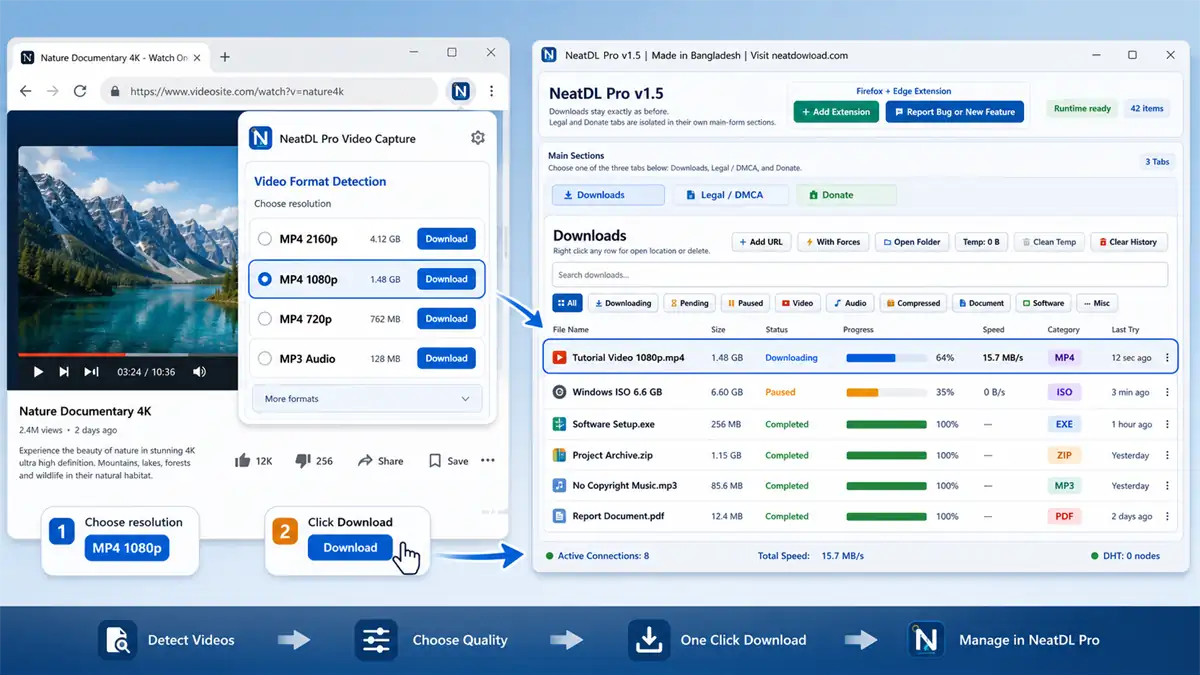
One of the biggest headaches for technicians is managing media streams. NeatDL Pro handles this by integrating yt-dlp directly, allowing you to pull video and audio content from hundreds of sites without copying and pasting messy URLs.
The built-in browser extension is a major time-saver. It automatically catches downloads and detects streaming manifests like M3U8 or DASH, ensuring you get the highest quality available without manual intervention.
Reliable Performance and Compatibility
NeatDL Pro is designed to stay out of your way. Whether you are working on a clean Windows installation or a busy workstation, the app runs with a tiny memory footprint, typically staying under 90 MB even during heavy transfers.
Safety is a priority, so there are no ads, telemetry, or hidden trackers in the software. You get a portable, efficient download engine that uses standard C++ architecture to keep your files moving reliably even if your connection drops.
Core Advantages of the NeatDL Pro Engine
- Multi-Segment Acceleration: Automatically splits files into up to 8 parallel streams to max out your internet speed, ensuring even heavy files finish quickly.
- Advanced Media Capture: Features robust HLS and DASH stream detection, allowing you to grab live video streams directly from a webpage with a single click.
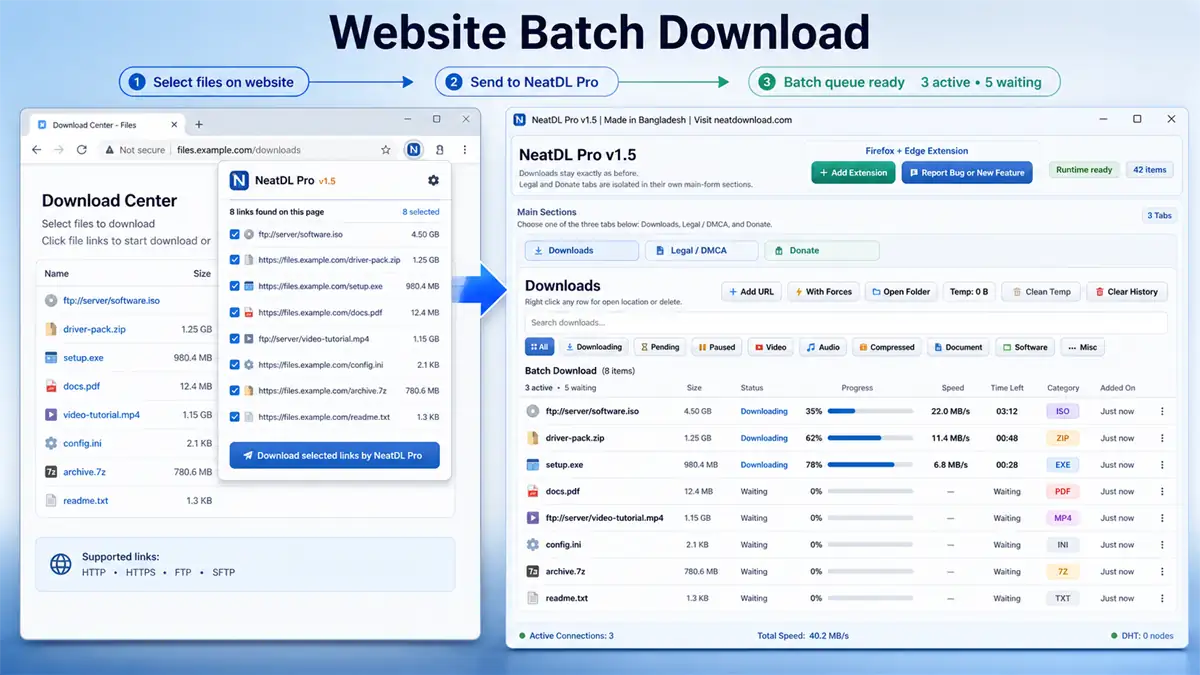
- Intelligent Batch Processing: Quickly select multiple links from directory indexes or pages, automatically filtering out useless site navigation links.
- Session & Cookie Forwarding: The browser extension captures your active session headers, making it easy to download files from sites that usually require a login.
- Zero-Installer Portability: The software is completely portable, meaning you can keep it on a flash drive and run it on any Windows 10 or 11 machine without needing registry permissions.
❓ Frequently Asked Questions
Is NeatDL Pro v1.5 completely free to use?
Yes, it is entirely free. There are no paid tiers, feature locks, or annoying ads built into the software.
Does NeatDL Pro require an installation process?
No, it is a portable application. Simply extract the files from the download folder and launch the EXE to start using it immediately.
Can I resume downloads if I close the app?
Absolutely. The app supports byte-range requests, so it can pause and resume files even after you restart the program or your computer.
Does it work with Chrome and Firefox extensions?
Yes, it includes extensions for Chrome, Edge, and Firefox that automatically intercept downloads and detect media streams for you.
Will it slow down my computer while downloading?
Not at all. The app is optimized for low CPU and RAM usage, ensuring your system stays fast and responsive even while handling multiple active segments.
📥 Installation
- Download the latest NeatDL Pro ZIP package.
- Extract the contents to a folder on your local drive.
- Locate and launch the “NeatDL Pro.exe” file.
- Install the extension in your preferred browser if prompted for integration.
- The software is now ready to intercept and manage your downloads.
✨ Key Features
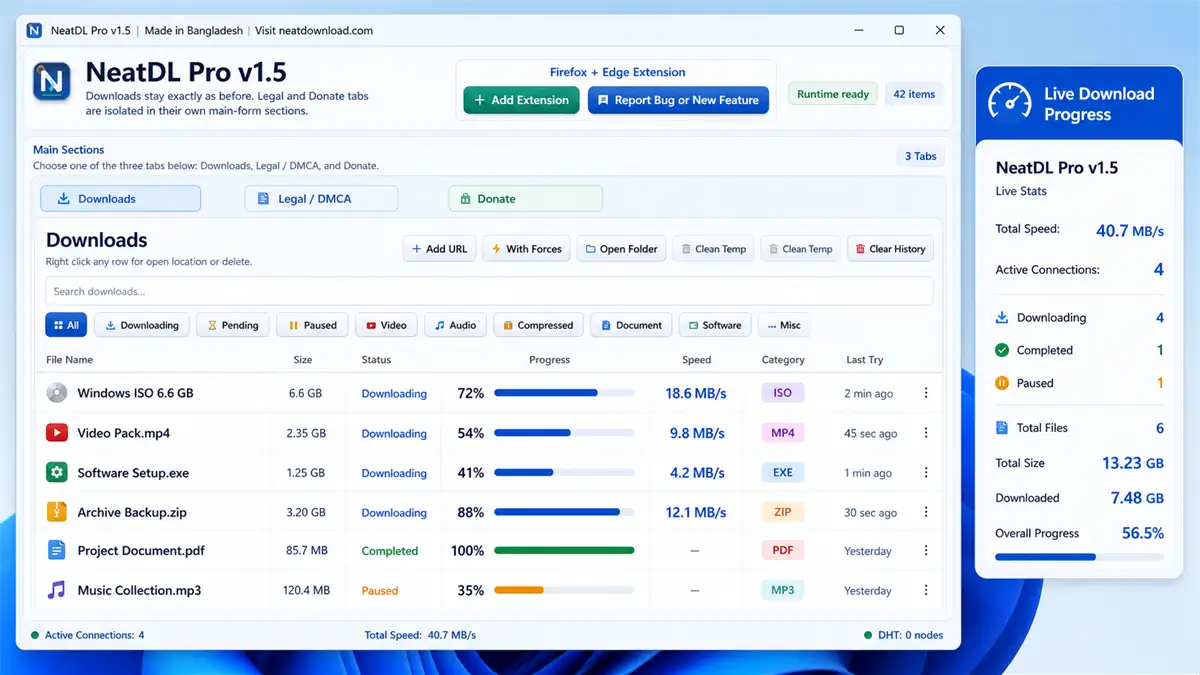
NeatDL Pro offers a massive set of tools to manage your internet data. Below are the core features included in this release:
- Multi-Segment Download Acceleration: Uses an 8-segment split system to probe server capacity and maximize transfer speeds.
- Browser Extension Integration: Native support for Chrome, Edge, and Firefox to catch downloads and media manifests automatically.
- Video & Audio Downloader: Includes yt-dlp integration to resolve and download media from virtually any video site in your choice of quality.
- HLS & DASH Stream Capture: Automatically detects streaming playlists (M3U8/MPD) and handles resolution/bandwidth selection per iframe.
- Batch Directory Downloading: Smart filtering that identifies downloadable content on web directories while ignoring navigation headers.
- Resumable Downloads: Full support for resuming interrupted connections or expired CDN links without needing to restart the entire process.
- Smart Naming Engine: Uses quality-scoring algorithms to generate clean, human-readable file names instead of raw hashes.
- Cookie Forwarding: Passes authentication headers from your browser directly to the downloader for access to protected content.
- Bundled FFmpeg: Pre-packaged with FFmpeg and FFprobe to perform automatic media merging and format conversion.
🖥️ Requirements
| OS | Windows 10 (1809+) Later or Windows 11 (x64) |
| RAM | Minimum 128 MB free |
| Architecture | x64 architecture required |
| Network | Active Internet Connection |
📜 What’s New
- v1.5 (Stable): Initial release with full support for Windows 10/11 and integrated yt-dlp/FFmpeg engines.
- v1.5: Added support for Manifest V3 browser extensions.
Ratings & Reviews
0.0
out of 5
Be the first to review this application!