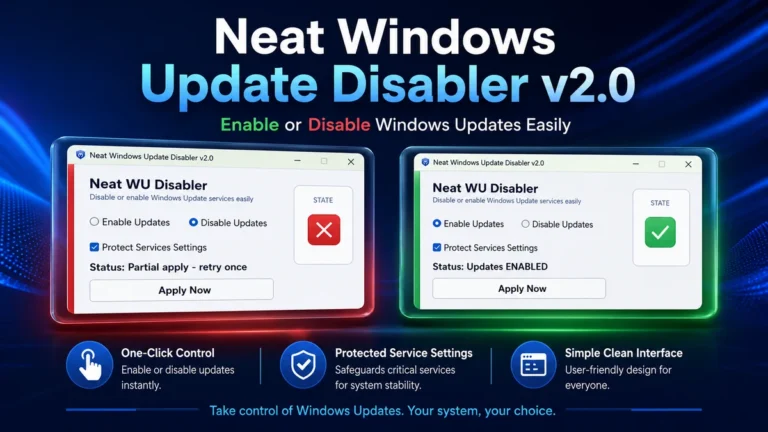
Neat Windows Update Disabler v2.0 — Disable Windows Update Permanently

Overview of Neat Windows Update Disabler v2.0 — Disable Windows Update Permanently
Neat Windows Update Disabler v2.0 is a dedicated utility for users who need total authority over their operating system. Windows often forces automatic updates at inconvenient times, leading to unexpected reboots and lost work. This tool provides a simple way to stop Windows updates immediately.
It is designed to be a lightweight, “set and forget” solution for both Windows 10 and Windows 11. Unlike other methods that require digging through deep system settings, this tool handles everything with a single click. It targets the specific services that trigger the update process.
Technicians often use this Windows update blocker to keep customer machines stable after a fresh install. It prevents the OS from downloading generic drivers that might conflict with specific hardware setups. It is a clean, portable software that does not leave junk in your registry.
Take Control of System Restarts and Bandwidth
One of the biggest headaches is the forced restart policy that Windows uses. This tool ensures that your PC stays running as long as you want it to. By disabling the Windows Update service, you also save significant internet bandwidth on metered connections.
The workflow is built for speed. You don’t need to be a power user or a developer to use it. Just run the tool, hit the button, and the Update Disabler takes care of the rest by modifying the necessary background triggers.
Reliable Performance on Modern Windows Builds
This version is fully optimized for the latest Windows 11 26H2 updates. It specifically addresses new methods Microsoft uses to re-enable updates automatically. This makes it a restart-proof solution that actually holds the settings even after a power cycle.
Safety is a priority with this utility. It does not delete system files or break the Microsoft Store. If you ever decide you want to patch your system, you can restore Windows updates back to their factory state instantly within the same app.
Core Advantages for PC Technicians
- Permanent Blocking: Stops the OS from silently re-enabling update services in the background.
- Zero Installation: No setup files required; it runs as a standalone EXE file from any folder or USB drive.
- System Stability: Prevents forced driver updates that often break specialized hardware or older peripherals.
- Resource Efficiency: Uses almost zero system resources and does not run any background processes after closing.
- Two-Way Toggle: Allows you to enable Windows updates anytime if you need a specific security patch or feature.
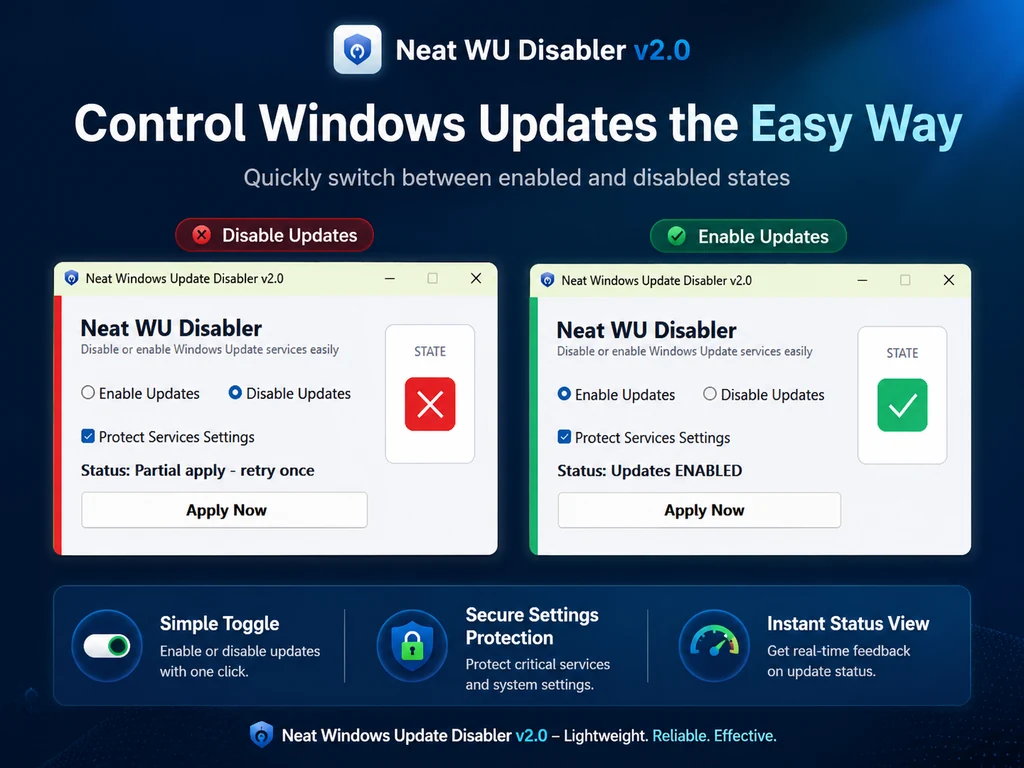
- Modern Interface: Features a clean and updated UI that makes the status of your update services clear at a glance.
❓ Frequently Asked Questions
Does this tool work on the latest Windows 11 26H2 build?
Yes, Neat Windows Update Disabler v2.0 is fully compatible with the 26H2 build. It blocks the new triggers Microsoft uses to force re-enabling services.
Is it safe to disable Windows updates permanently?
It is safe for the OS functionality, but remember you won’t get security patches. We recommend enabling updates occasionally to stay protected.
Will my PC restart and turn updates back on automatically?
No, this version is restart-proof. The changes persist across reboots until you manually choose to enable updates again using the tool.
Do I need to keep the program running in the background?
No, once you click Disable Updates, you can close the program. It does not consume any RAM or CPU resources once the task is done.
Does this tool affect the Microsoft Store apps?
In some cases, the Microsoft Store depends on the update service. If the Store stops working, simply use the tool to temporarily enable updates.
📥 Installation
- Download the Neat Windows Update Disabler v2.0 ZIP file to your PC.
- Extract the contents to a folder of your choice using 7-Zip or WinRAR.
- Right-click on NeatWUDisabler.exe and select Run as Administrator.
- Click the Disable Updates button to stop the services.
- Restart your PC if prompted to ensure all changes are applied by the system.
✨ Key Features
The version 2.0 release brings several improvements to ensure the Windows Update service remains under your control.
- One-Click Disable: Instantly kills the Windows Update (wuauserv), Background Intelligent Transfer (BITS), and Medic Services.
- One-Click Enable: Restores all services and registry keys to their original Windows default state for normal patching.
- Enhanced Restart-Proof Logic: Blocks the Update Orchestrator Service tasks that often bypass traditional disabling methods.
- Portability: No installation required; run the portable EXE directly from your downloads folder or a technician’s toolkit.
- Lightweight Footprint: The file size is extremely small, and it leaves no background telemetry or active processes on your PC.
- Auto-Update Checker: Built-in functionality to check for newer versions of the tool to ensure compatibility with future Windows patches.
- Modern UI: A refreshed and simplified user interface that works perfectly with high-DPI displays and modern monitors.
🖥️ Requirements
| OS | Windows 10, Windows 11 (64-bit) |
| Privileges | Administrator Access Required |
| Storage | Less than 1 MB of free space |
| Internet | Required only for the update checker |
📜 What’s New
- v2.0 (Current): Full support for Windows 11 26H2 added.
- v2.0: Implemented a more robust restart-proof engine to prevent auto-reversion.
- v2.0: Redesigned user interface for better clarity and usability.
- v1.5: Added support for disabling the Windows Update Medic Service.
- v1.0: Initial release with basic Windows 10 blocking capabilities.
Ratings & Reviews
0.0
out of 5
Be the first to review this application!