Best Free Neat Download Manager v1.4 for MacOS & Windows 11 | NeatDM

Security Status: SAFE
Scanned by 65+ antivirus engines • No threats detected
Screenshots & Preview
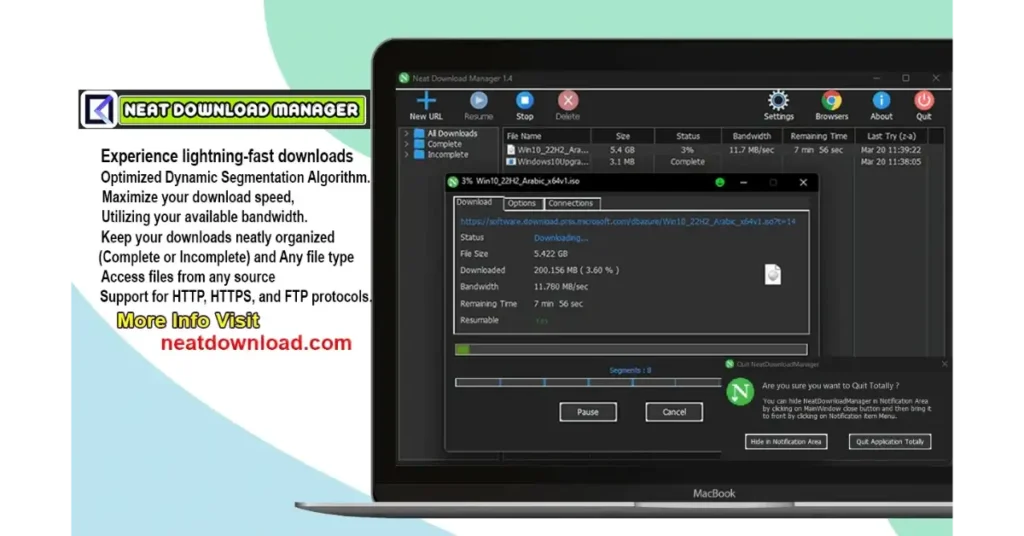
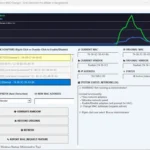
Click on images to view full size (1 images)
| Filename: | NeatDM_setup.exe & NeatDMInstaller.dmg |
|---|---|
| File Size: | 1MB |
| Version: | 1.4 |
| Support: | Windows & Mac |
Are you tired of slow download speeds from your browser? Do you get frustrated when a large file download fails at 99% and you have to start all over again? While browsers are great for surfing, they are terrible at managing downloads. This is where a dedicated download manager comes in.
If you are looking for the best free download manager for MacOS (including M1, M2, and M3 chips) or Windows 11 / 10, your search ends here. Meet Neat Download Manager (NDM), a powerful, lightweight, and completely free tool designed to solve all your downloading problems.
Download Now
Stop waiting for your browser. Get the speed and control you deserve. Download the latest version of Neat Download Manager for your operating system today.
Why Do You Need a Download Manager?
Modern internet speeds are fast, but your browser doesn’t always use that speed efficiently. A download manager like NDM uses a dynamic segmentation algorithm to split a file into multiple parts and downloads them simultaneously. This can boost your download speed by up to 5-10 times.
- Pause & Resume: Lost your internet connection? Need to shut down your PC? No problem. You can pause and resume your downloads anytime.
- Organize Everything: Automatically organize files based on their type (Video, Music, Documents) into different folders.
- Failed Download Recovery: NDM can recover broken downloads from the point they stopped, saving you valuable time and data.
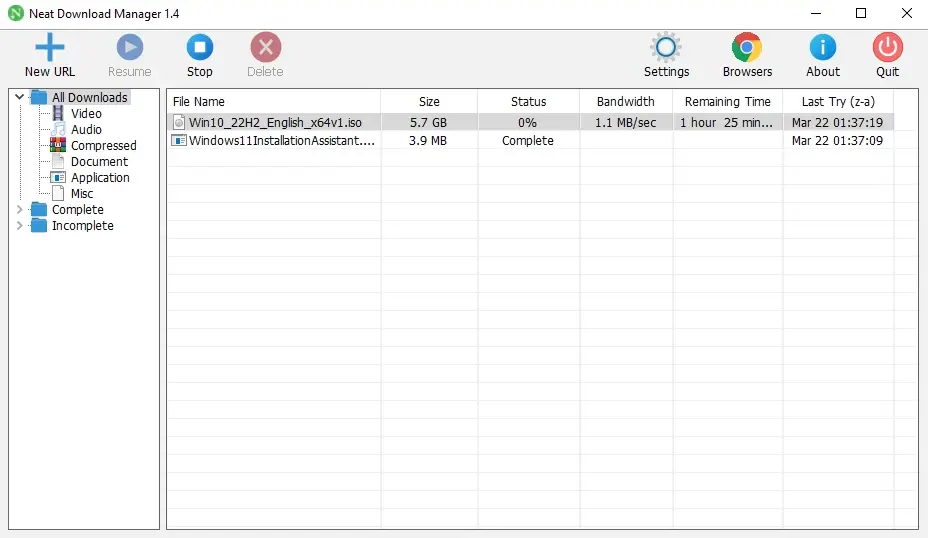
Neat Download Manager: The Best IDM Alternative for Mac
For years, Windows users have loved Internet Download Manager (IDM). However, it’s a paid tool and doesn’t officially support macOS. Neat Download Manager fills this gap perfectly. It provides a clean, native experience for Mac users (fully compatible with Apple Silicon) and offers a powerful, ad-free experience for Windows users—all for free.
Key Features of Neat Download Manager v1.4
- Accelerated Downloads: Uses an intelligent multi-threaded algorithm to maximize your download speed.
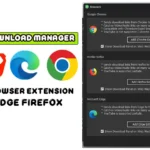
- Full Browser Integration: Seamlessly integrates with Chrome, Firefox, Microsoft Edge, and other Chromium-based browsers. (Check our guide on how to install the browser extension).
- Download Any Video: Grabs video files (MP4, M3U8, etc.) from many websites as you stream them.
- HTTP/S, FTP, & Proxy Support: Works with all major protocols and supports proxy servers for restricted networks.
- Bandwidth Limiter: Want to browse the web while downloading? You can limit NDM’s download speed so it doesn’t use all your bandwidth.
- 100% Free & Clean: No ads, no spyware, no bundled software. Just a clean, powerful tool.
Important Legal Notice and Responsible Usage
Neat Download Manager is designed solely for managing and accelerating the transfer of legally obtained, authorized content, or files for which the user holds explicit permission to download. Users must strictly comply with all applicable local, federal, and international laws, including intellectual property and copyright regulations. This software must not be used to download, distribute, or access copyrighted materials without proper authorization. The user bears full and sole responsibility for their conduct and adherence to intellectual property laws while using the Neat Download Manager.
Easy Installation
Simple setup process with clear instructions
Safe & Secure
Scanned and verified free from malware
Fast Download
Multiple mirror servers for fastest download speeds
Minimum Requirements
Recommended
- Latest version with all current features
- Bug fixes and performance improvements
- Security updates and patches
- Compatibility improvements
Rate & Review This Software
User Reviews
No reviews yet. Be the first to review!
About the Author / Developer
📱 Related Apps You May Like


Download Mirror Options
Choose your preferred download server:
How to Install
- Click the Download button above
- Wait for download to complete
- Run the installer file (.exe)
- Follow the installation wizard
- Launch the application
How to Extract (ZIP/RAR)
- Download and install WinRAR or 7-Zip
- Multi-part archives: Download all parts (.part1.rar, .part2.rar) into the same folder
- Right-click on any one part (usually .part1.rar)
- Select "Extract Here" or "Extract to folder"
- Tool will auto-extract all parts