IDM Not Working on YouTube? Fix It Now – Neat YT Fixer v4.0 Extension for Chrome & Firefox (2026)

Security Status: SAFE
Scanned by 65+ antivirus engines • No threats detected
Screenshots & Preview
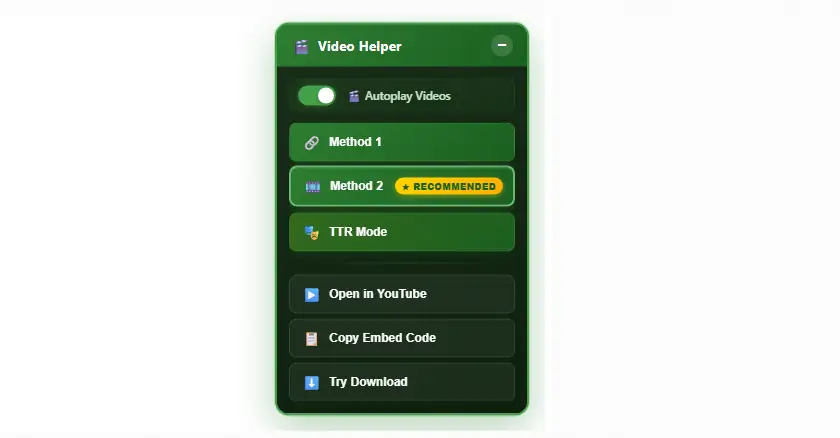
Click on images to view full size (1 images)
IDM Not Working on YouTube? Fix It Now – Neat YT Fixer v4.0 Extension for Chrome & Firefox (2026). This specialized utility is designed to resolve persistent integration issues between Internet Download Manager and the YouTube video player. As YouTube frequently updates its player architecture, standard IDM browser modules often fail to capture video streams or display the download panel. This extension acts as a bridge, restoring full functionality and ensuring that users can download content without interruption.
The Neat YT Fixer v4.0 provides a comprehensive solution for format detection errors and missing quality options. By injecting updated scripts into the browser environment, it allows IDM to recognize various resolutions ranging from standard 144p to ultra-high-definition 8K. It effectively bypasses the limitations caused by recent player updates, making it an essential tool for users who rely on high-speed downloads via IDM.
📥 Installation
- Download the Neat YT Fixer v4.0 extension package to your local storage.
- Open your browser’s extension management page (e.g., chrome://extensions).
- Enable Developer Mode in the top right corner of the browser window.
- Drag and drop the extension file into the browser or use the “Load unpacked” option.
- Navigate to a YouTube video page to verify that the IDM download bar has reappeared.
- Select your preferred quality from the list and start the download process.
✨ Key Features
- Restores the missing “Download This Video” panel on all YouTube pages.
- Unlocks all video resolutions including 720p HD, 1080p Full HD, 4K, and 8K.
- Fixes format detection errors for MP4, WEBM, and MKV files.
- Automates the detection of video URLs to initiate one-click downloads.
- Compatible with modern browser engines including Chromium and Quantum.
- Ensures high-speed data transfer by utilizing IDM’s multi-part downloading.
- Zero configuration required after the initial installation.
Minimum Requirements
🖥️ Requirements
| Operating System | Windows 10, Windows 11 (64-bit) |
| Browsers | Chrome, Firefox, Edge, Brave, Opera |
| IDM Version | Internet Download Manager 6.41 or higher |
| Browser Version | Chrome 120+ / Firefox 121+ |
📜 What’s New
Version 4.0
This update includes critical patches for the 2025/2026 YouTube player changes. It improves the identification of 4K (2160p) and 8K (4320p) streams which were previously hidden by newer encoding methods. Additionally, it addresses an issue where the download panel would flicker or fail to load on slower internet connections.
Rate & Review This Software
User Reviews
No reviews yet. Be the first to review!
About the Author / Developer
📱 Related Apps You May Like


Download Mirror Options
Choose your preferred download server:
How to Install
- Click the Download button above
- Wait for download to complete
- Run the installer file (.exe)
- Follow the installation wizard
- Launch the application
How to Extract (ZIP/RAR)
- Download and install WinRAR or 7-Zip
- Multi-part archives: Download all parts (.part1.rar, .part2.rar) into the same folder
- Right-click on any one part (usually .part1.rar)
- Select "Extract Here" or "Extract to folder"
- Tool will auto-extract all parts